No New Business Cards: Simply Take Your Number with You
Move your old phone numbers to sipgate with no recurring charges – no matter how many – just a one time porting fee. You need more? No problem, new numbers can be booked at any time.


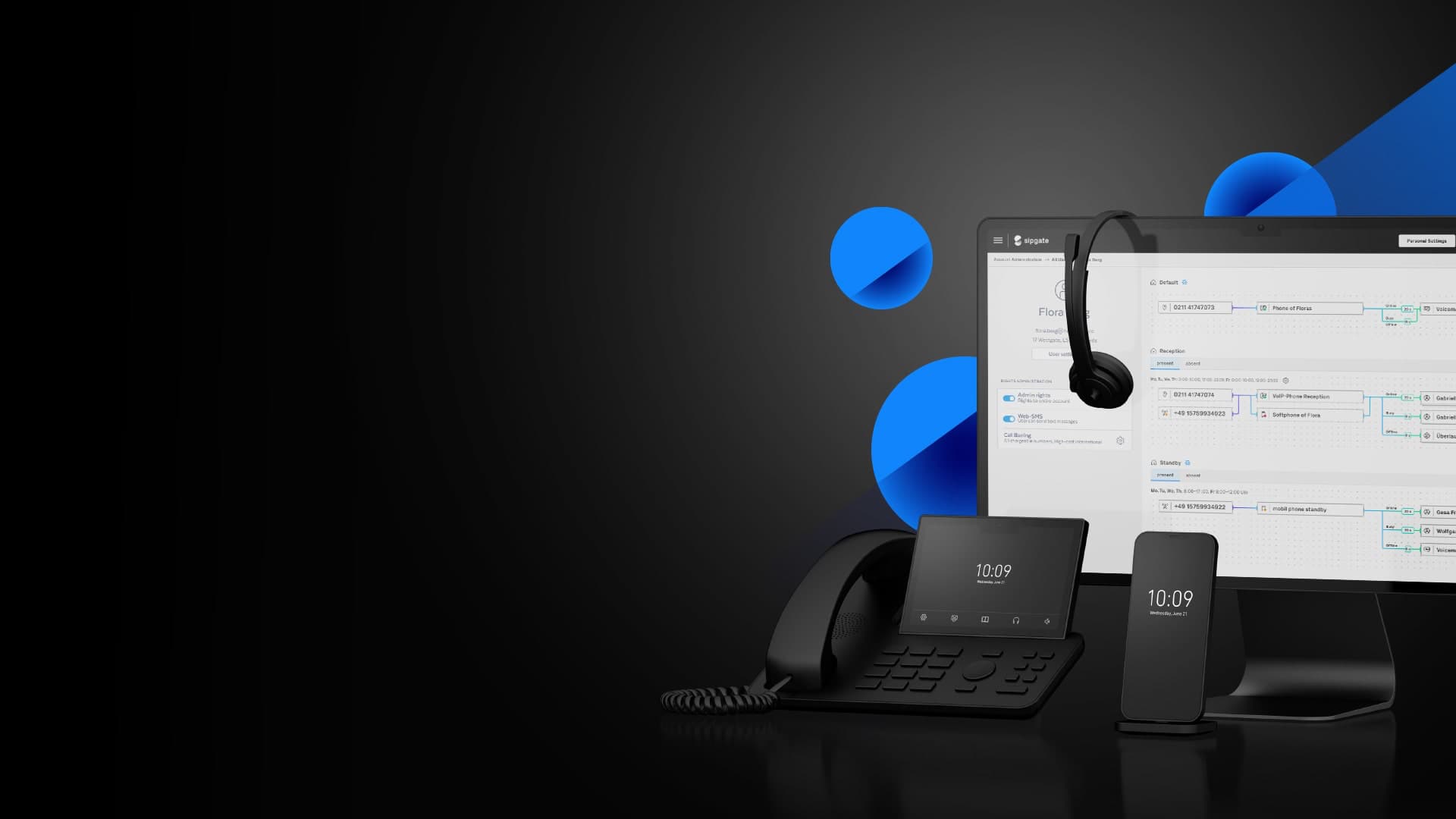
Move your old phone numbers to sipgate with no recurring charges – no matter how many – just a one time porting fee. You need more? No problem, new numbers can be booked at any time.

Save time and money with just one call package for your entire team: for landline and mobile destinations to the UK or all of the EU.
Connect your offices, external team members, and home offices in just one account – across countries and under the same telephone number.


Don’t get stuck behind your desk – use all of your telephone numbers and sipgate advantages on the go with a softphone on your mobile or laptop.
Simply log in to your account and have everything at your fingertips. New team member? Just a few clicks and – done!


Team sizes vary. Requirements, too. No problem: Adjust your contract and features at any time. All options can be terminated monthly.
With us all of your questions go directly to the right people: customer support, developers, and designers work quickly and together to find the best solutions for you.


All calls and voicemail at a glance online in your event list

Ability to use softphones on your mobile, allowing you to take calls on your office number while on the go

Create groups whose members can all be reached on the same telephone number

Receive and download your voicemails as an mp3 file in your event list and by email

Call queues help you avoid losing calls when all team members are already on the phone. The next available team member can take the call

Inform and help callers reach the right people on your team with a call menu (IVR)

Thanks to our telephony integrations for CRM systems, you can begin each conversation well-informed

So that you can make your calls worry-free, our systems have been built with multiple layers of security and are monitored around the clock.

As a Düsseldorf company with all servers located in Germany, sipgate guarantees the security of your data according to the strictest German standards.

Several thousand companies put their trust in sipgate every day and enjoy reliable communication with their team and customers.
Let us know a little bit about your desired setup, we're glad to advise the best plan for you and your business.
Email us

Feel free to contact us if you have any questions about sipgate. We're here to assist with all aspects of our service including number porting.
020 - 339 339 09No hardware, no software, and no installs if you already have regular SIP-compliant VoIP phones. If you don’t, you can get up and running today with softphone applications on your computers and smartphones.
Deskphones are great for the office, but you can also receive calls on your office number by using a softphone on your mobile or laptop. Just connect to your local WiFi network or use your cellphone’s data plan.
We can port your numbers to sipgate from most UK providers. There are however some providers and certain area codes that we are unable to port from. More information
You can have as many phone numbers as you want and easily add more numbers anytime. All sipgate plans come with one included UK phone number. Additional numbers can be booked for a monthly fee and, in some cases, a setup fee.